📡 Network Copilot · Android 10+ · Offline-First
Diagnose Like a Network Engineer — Right From Your Phone
Meet Network Copilot — a professional network diagnostics and operations toolkit that runs offline-first on your device. 40+ tools, an explainable diagnostic engine with a health score, a no-root app firewall, and an AI Network Analyst across 8 providers. Built by XamlTech with a dark glass UI and full Arabic/English (RTL) support.
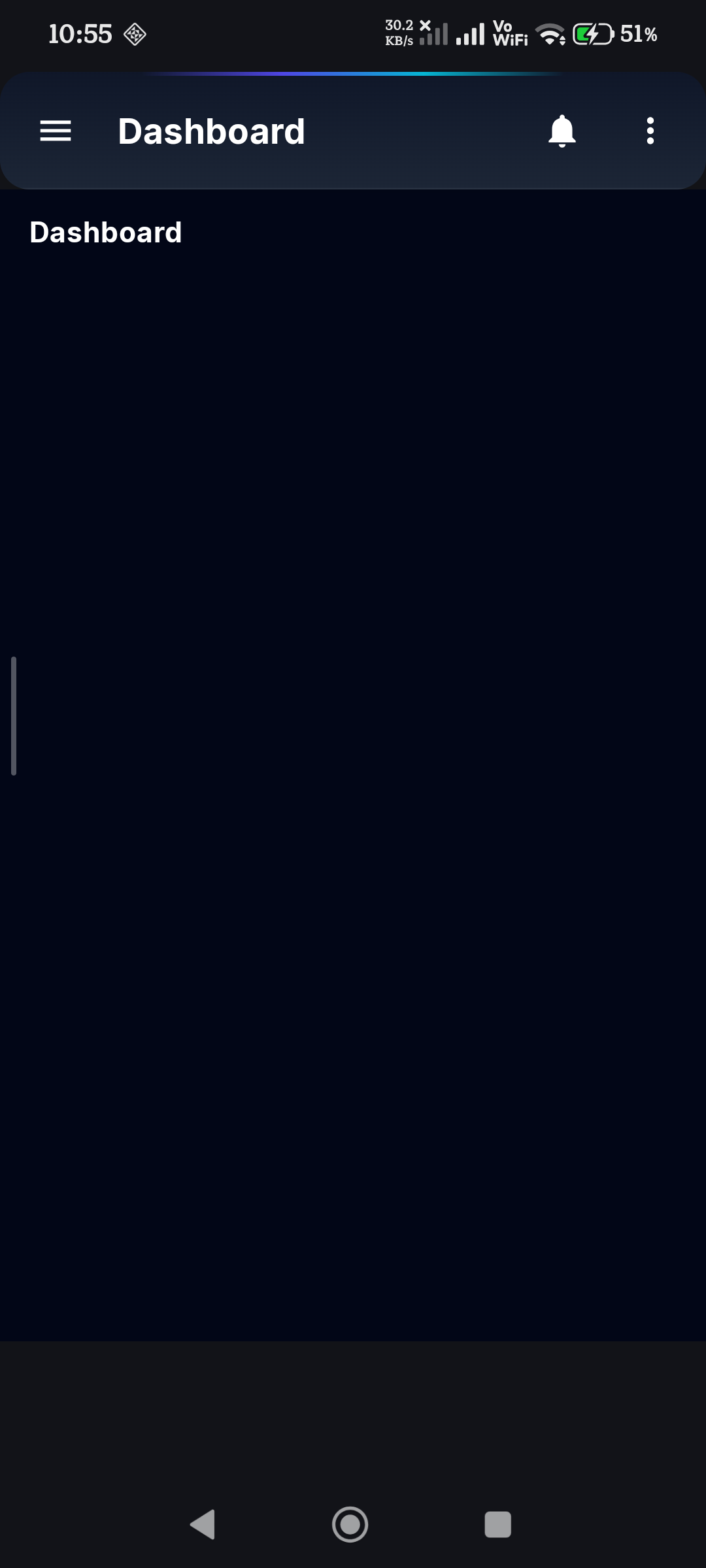
Command-Center Dashboard
Live connectivity (Wi-Fi, cellular, VPN, Ethernet, metered), interface details — IPv4/IPv6, gateway, MTU — quick-launch tool tiles and an explainable weighted health score.
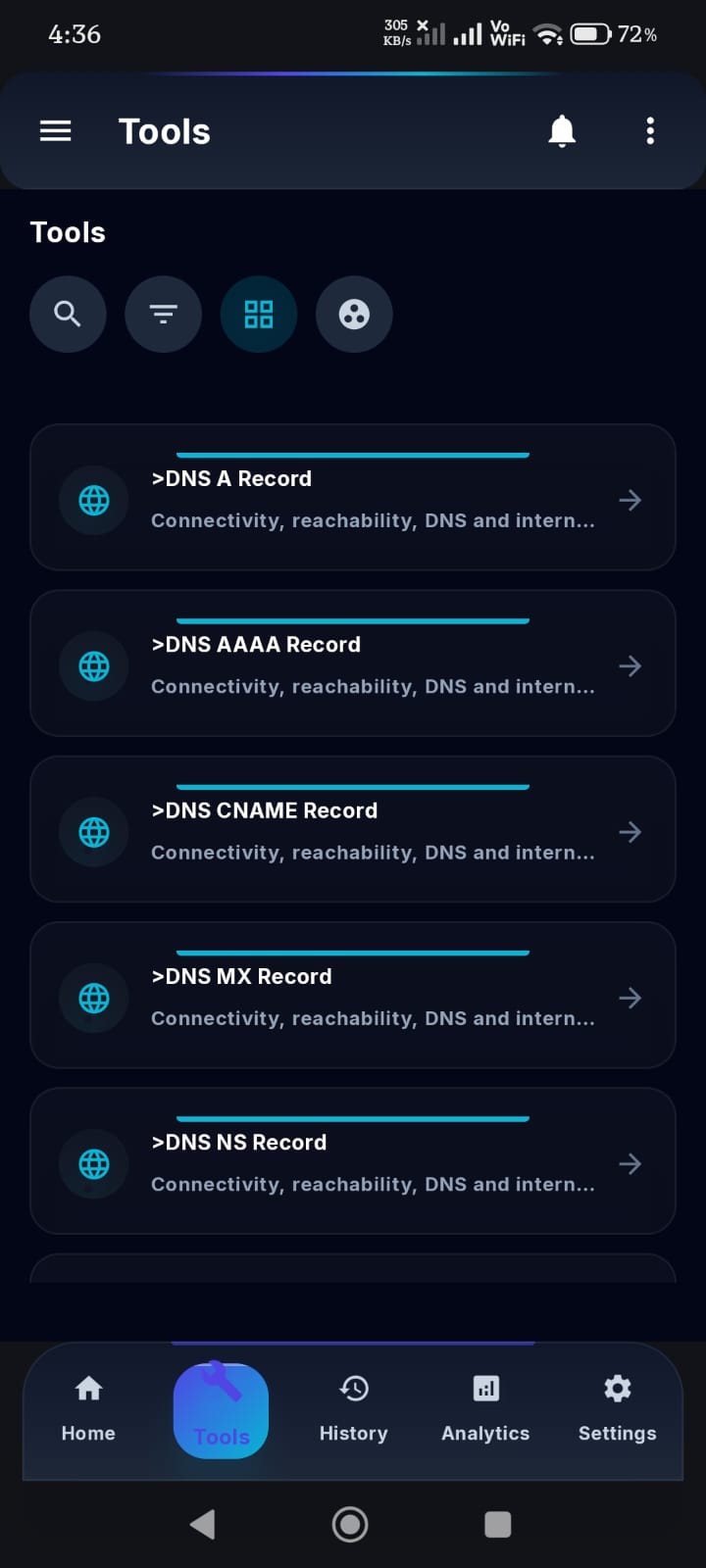
Core Diagnostics
Ping with jitter & loss, DNS lookups (A/AAAA/MX/NS/TXT/CNAME + PTR), an HTTP/HTTPS builder with DNS→TLS→first-byte timing breakdown, speed test and TCP port scanner.
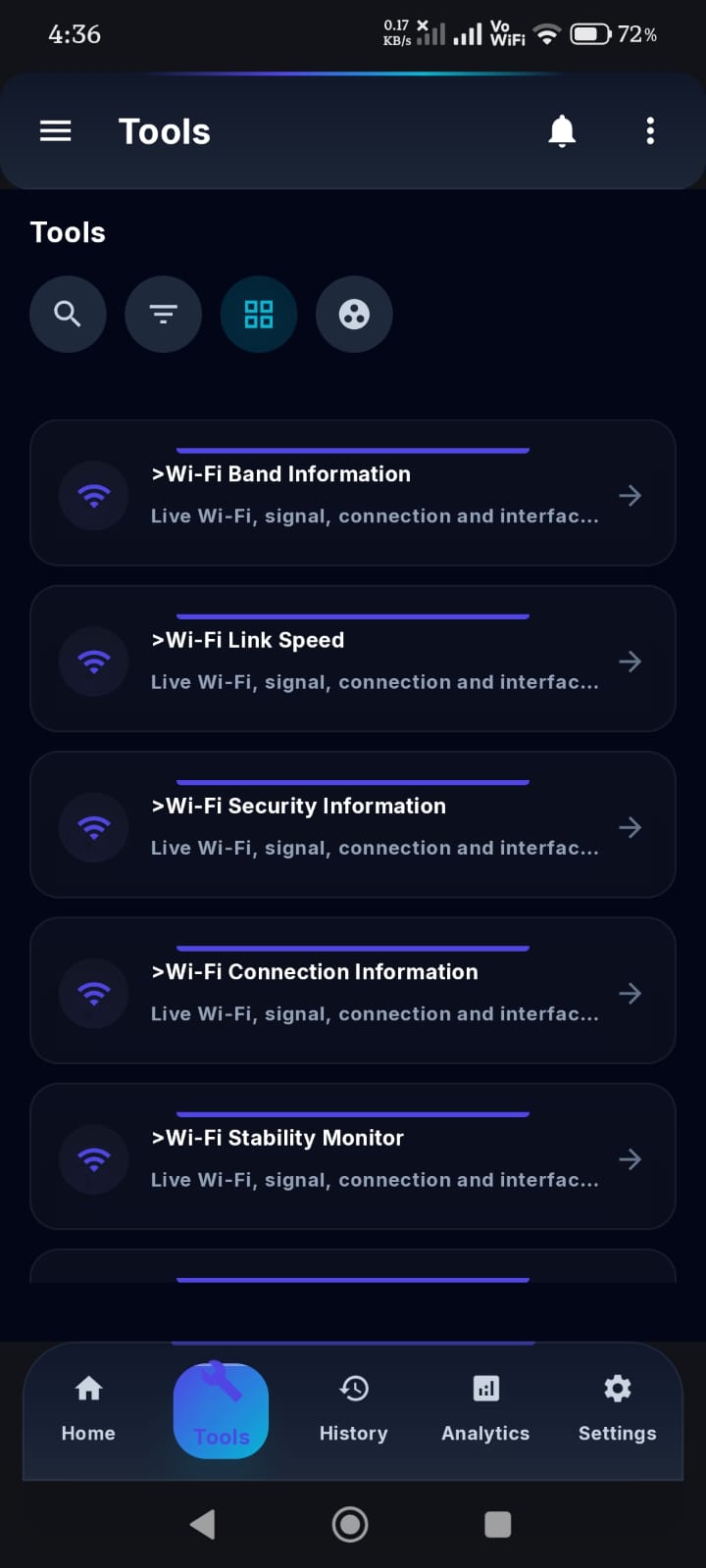
WiFi & Signal Analyzer
Live band, link speed, BSSID and security, nearby network scans, and a precise room-by-room signal mapper.
LAN, IP & Protocol Lab
Subnet / IPv4 CIDR and IPv6 calculators, advanced IPv6 analysis (multicast scope, embedded v4, NAT64), mDNS/UPnP discovery, Wake-on-LAN and SNMP walks.
Intelligent Engine
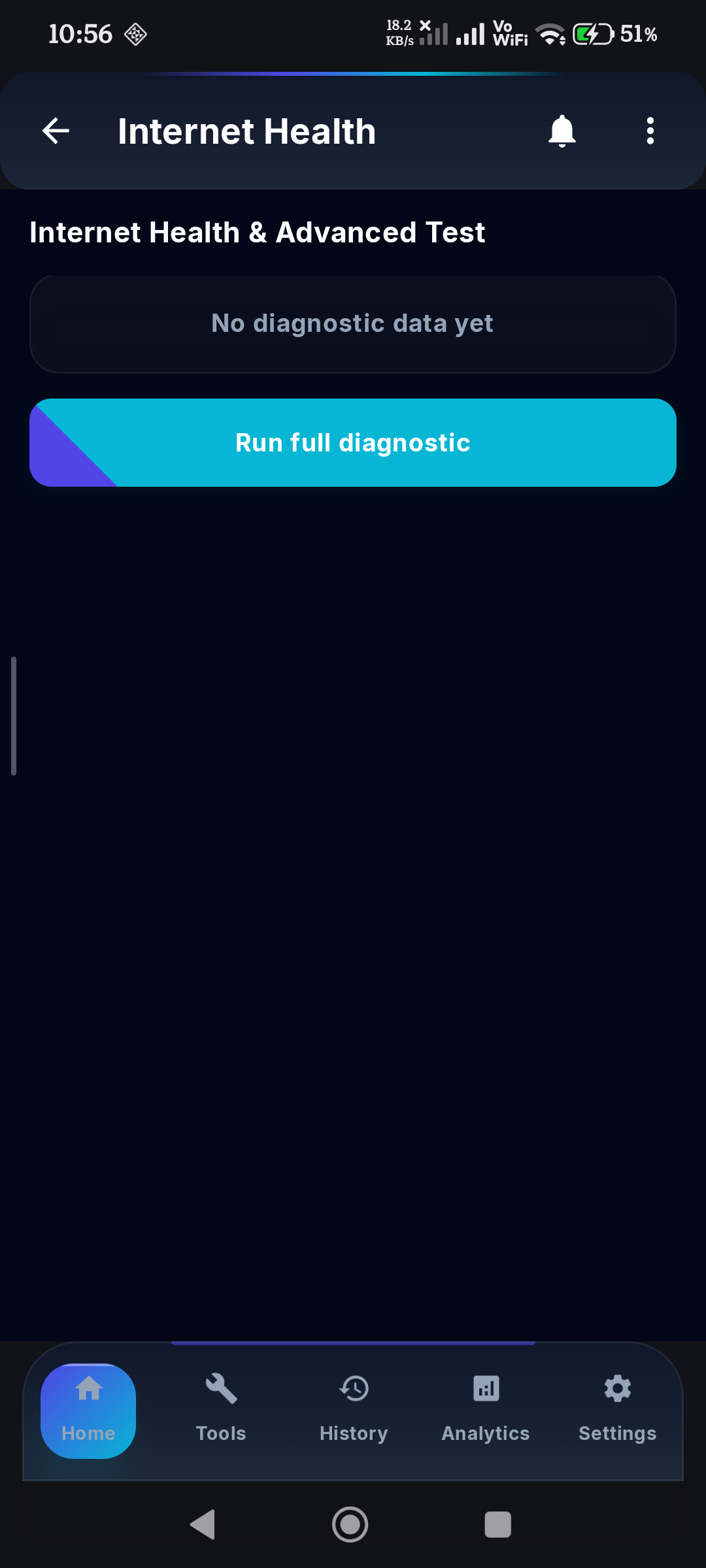
Rule-based diagnostics on an Evidence → Inference → Action model with confidence levels, custom JSON rules, and professional reports (Markdown/JSON/HTML, 15 sections).
Privacy by Default
Masked IPs, MACs and SSIDs with one-tap reveal, encrypted on-device key storage (AES256-GCM), no cloud required, and reports you fully control.
Monitor & Control
Live system monitor with a foreground-service notification and home-screen widget, Quick Settings tiles (Scan, Monitor, Speed, Port, Firewall) and in-app notification history.
App Firewall (No-Root)
A local VPN-based firewall that blocks selected apps entirely by dropping their traffic on-device — no byte ever leaves your phone.
Accounts & Sync
Google Sign-In, history synced under your own user scope, projects shared with teams — while anonymous, fully offline use needs no account.
🤖 Built-in AI
Network Copilot
The AI Network Analyst turns raw scan results into plain-language answers, root-cause analysis and professional reports — your keys, stored encrypted, with diagnostic context sanitized before it leaves your phone. On-device analysis is free; unlimited in Premium.
Analyze
Break down a scan or result into a clear, structured diagnosis.
Explain
Plain-language explanation of what each number and field means.
Troubleshoot
Step-by-step fix guidance based on the detected symptoms.
Report
A complete diagnostic report exported as Markdown, JSON or HTML.
📸 Screenshots
See It In Action


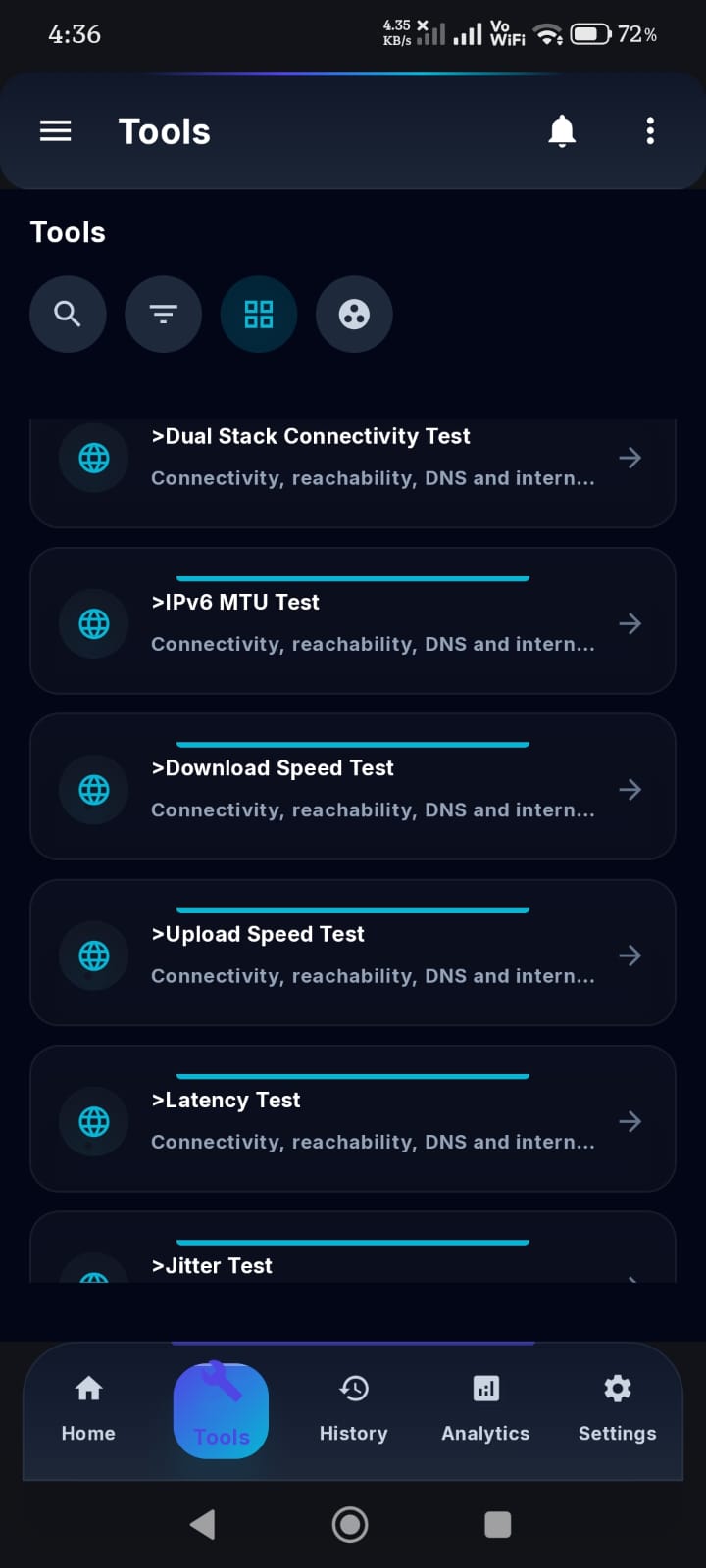
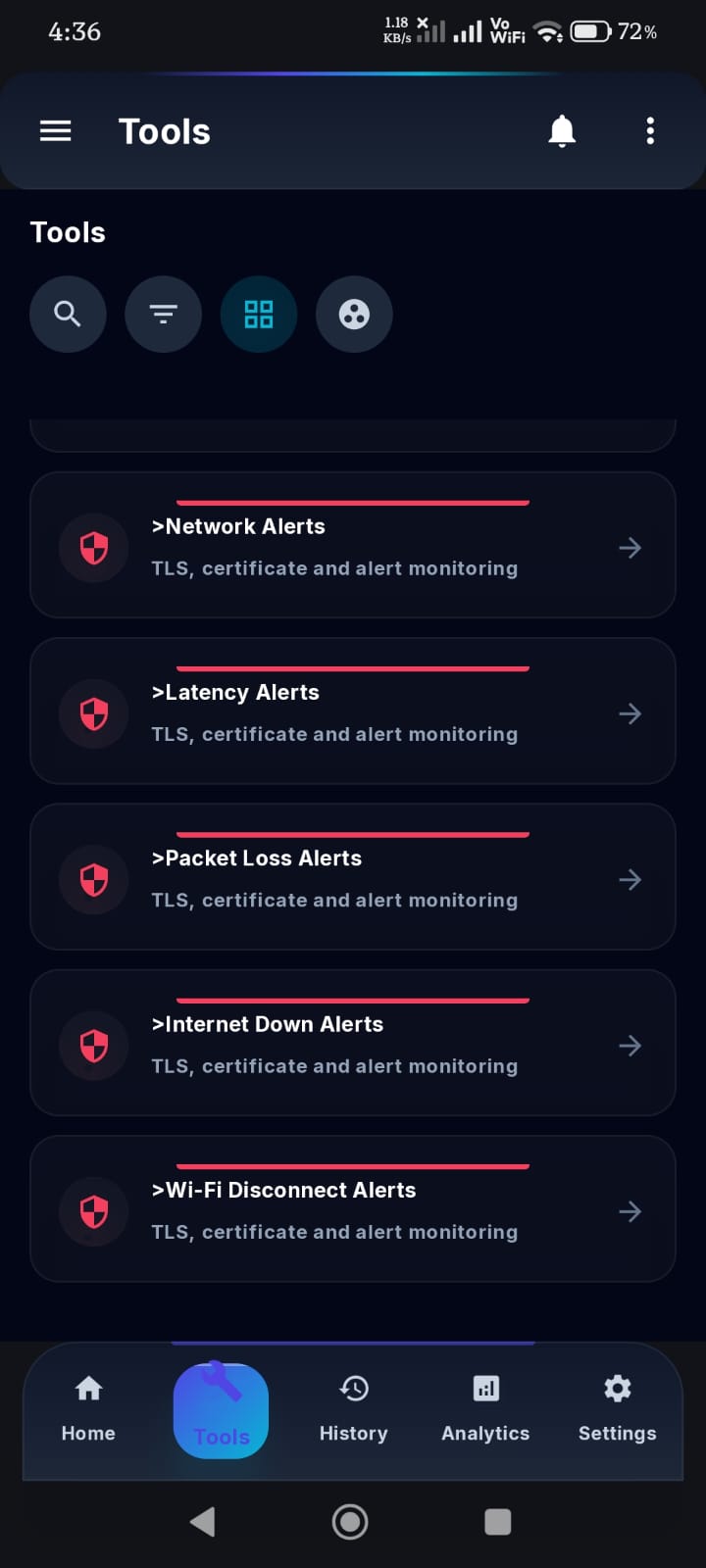
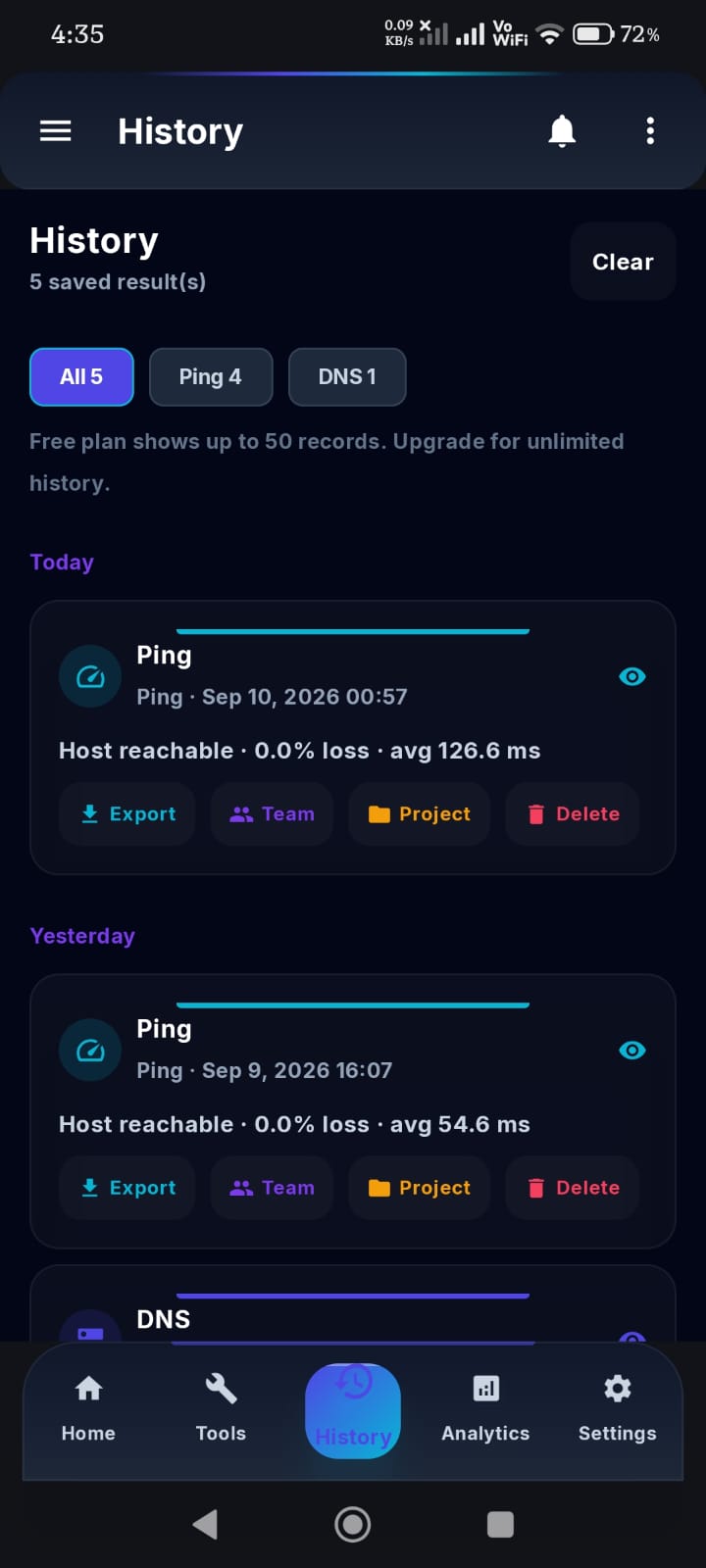
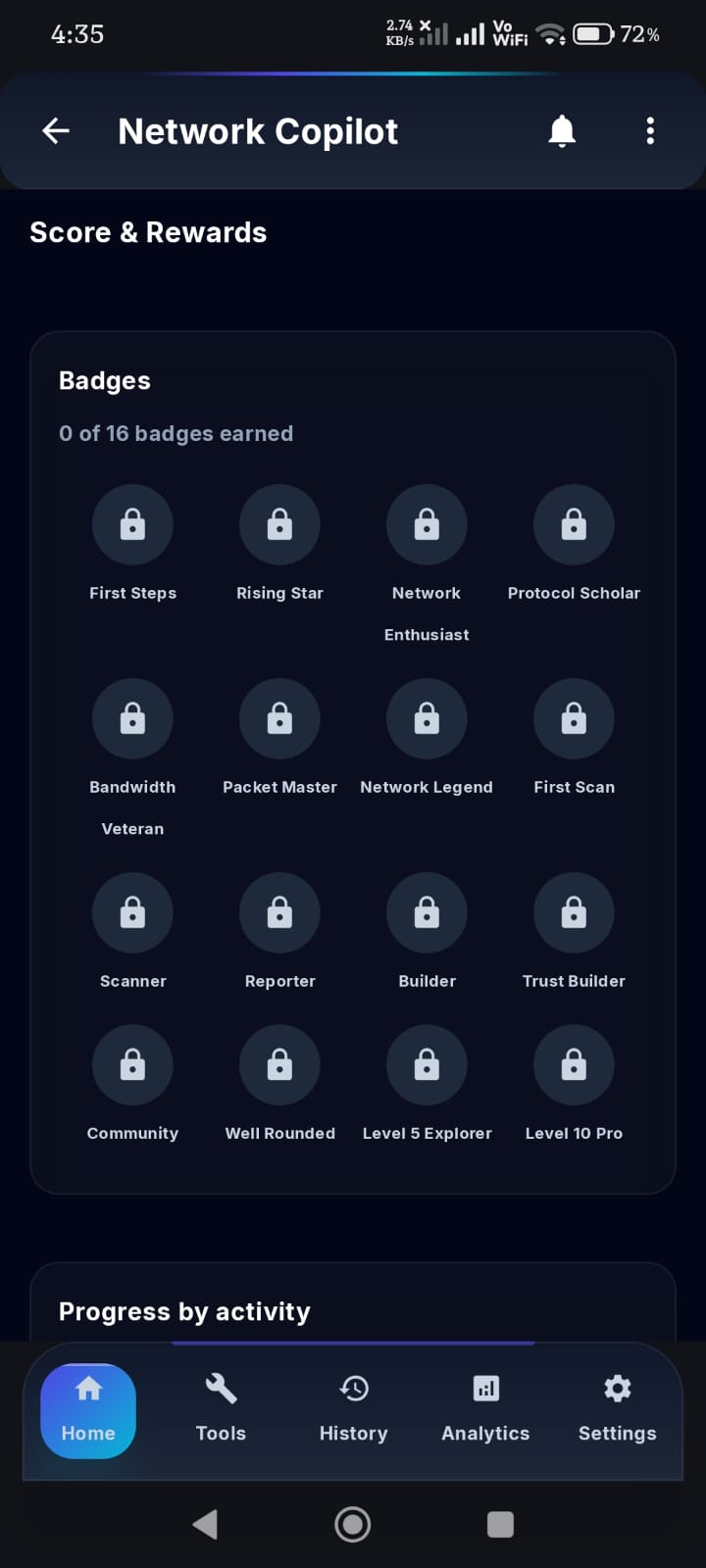
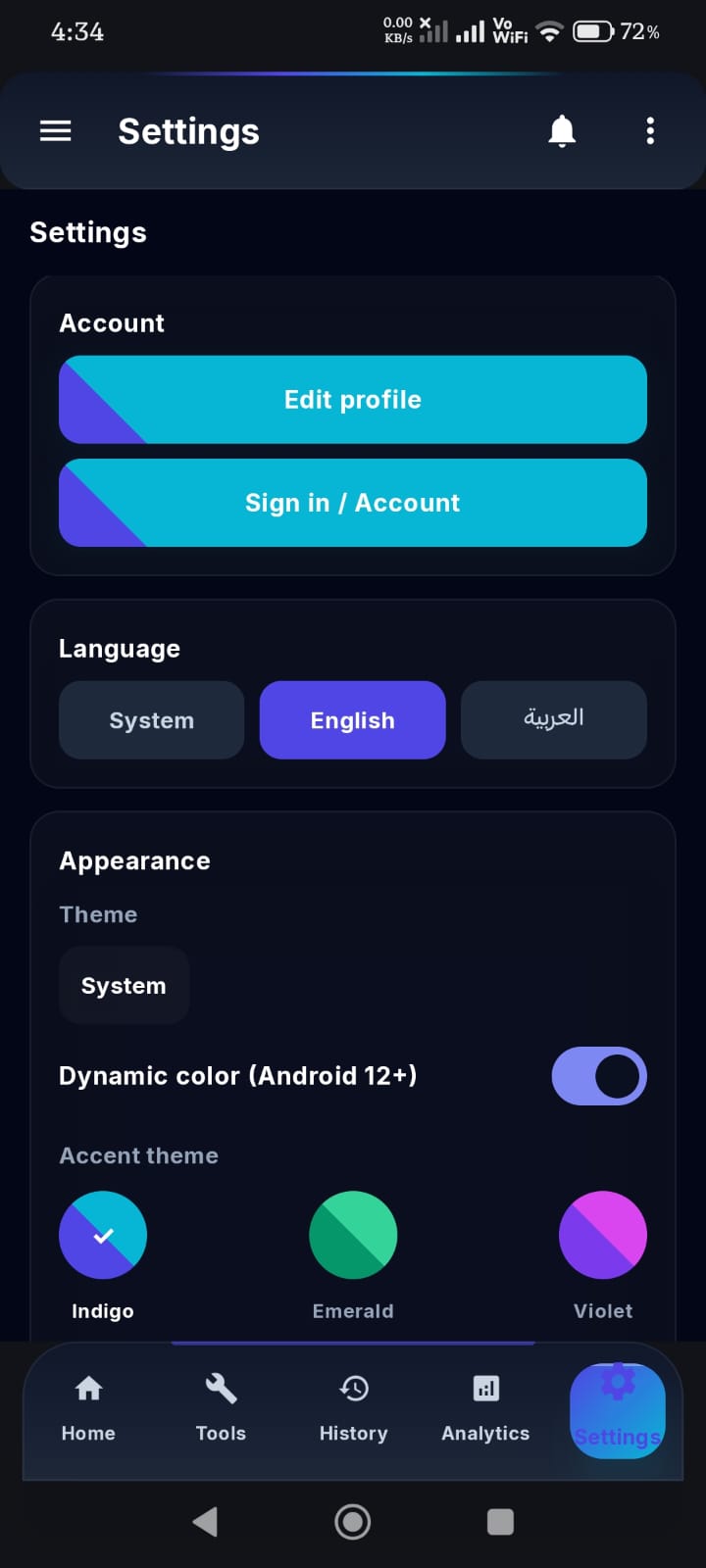
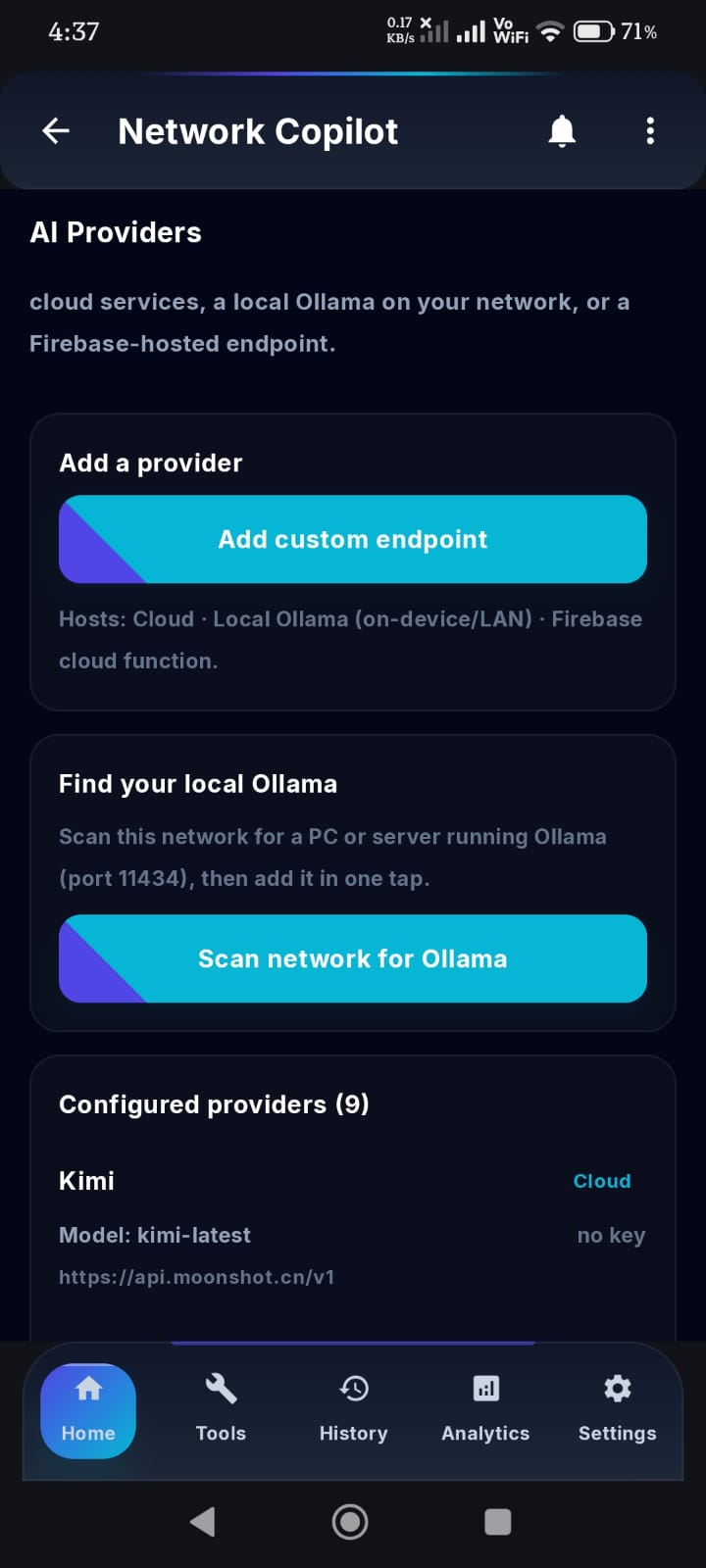
🧪 Early Access
Become a Tester
Network Copilot v5.0.4 is in closed tester release across Android 10–16 (API 29–36), narrow phones to tablets — builds reach testers through Firebase App Distribution, with a Google Play listing coming at public launch. Join to get every build first and help shape the roadmap.
Covered devices: Android 10–16 (API 29–36), narrow phones to tablets. Testers report crashes automatically via Firebase Crashlytics — no screenshots needed. By testing you agree to the privacy policy.
🗺️ Roadmap
What's Coming Next
Public Launch (Next)
Production AdMob unit IDs, world-ready push notifications (FCM) end-to-end, a global notification prompt, and scoped settings so HTTPS-only apps can reach local HTTP servers such as an in-home Ollama.
Tester-Loop Hardening
Crashlytics user attribution after sign-in, an opt-in crash-test button, and tool-failure analytics events so every report is searchable and triage is instant.
Engineering v4
Deeper SNMP/UPnP engines, richer signal mapping, on-device AI inference (privacy-first analytics, no cloud), and smarter background monitors.
Analytics & Team Features
Trend history, Firestore multi-device sync, shared reports, team scoreboards and gamified milestones for power and classroom use.
Already in Tester Builds
Google Sign-In & per-user history sync, credit economy with Pyramid Score & Rewards, history export (Markdown/PDF/JSON, EN & AR) and 7 theming fonts.
🧩 More From XamlTech
Our Other Apps & Addons
The same engineering behind Network Copilot powers our Odoo ecosystem.
AI Solutions for Odoo
Multi-LLM addons: OpenAI, Gemini and local Ollama.
Odoo POS Egypt
POS addons with stock sync and security framework.
Agriculture ERP
Farming-vertical ERP built for Egyptian farms.
Odoo Addons Store
Browse all published XamlTech modules.
XamlTech Theme
The dark/light RTL theme this site runs on.
Knowledge & Guides
How-to guides and ERP/AI best practices.
Also on the Odoo Apps Store
Agricultural Management
Farms, crops & harvest analytics ↗
POS Cutting Orders
Fabric cutting for textile retail ↗
POS Security Framework
PIN, discount limits, sessions ↗
POS Stock Real-Time
Live stock across POS sessions ↗
AI Marketing Copilot
Auto-optimize campaigns ↗
AI POS Copilot
Real-time upsell suggestions ↗